
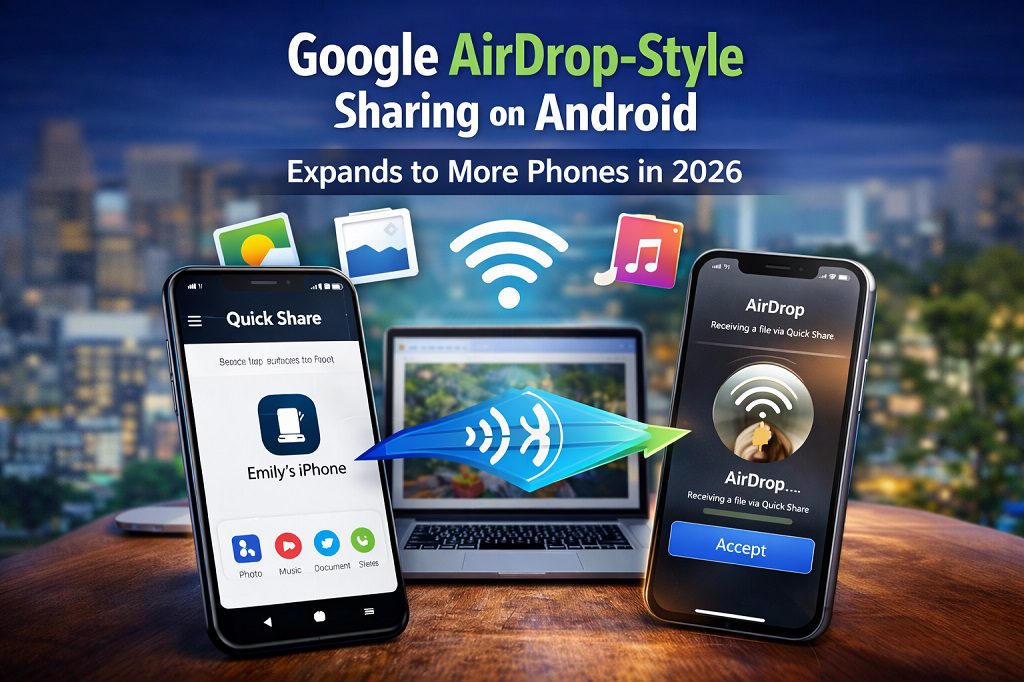
Google AirDrop-Style Sharing on Android Expands to More Phones in 2026
Google AirDrop-style sharing on Android is finally expanding beyond Pixel phones, bringing fast, wireless, and seamless file transfers to a much wider range of Android devices in 2026. With this update, Google aims to eliminate long-standing cross-platform sharing frustrations by allowing Android users to easily share photos, videos, and documents with nearby devices — including iPhones, iPads, and Macs — without relying on internet connections or third-party apps.
This development marks a significant shift in mobile ecosystem dynamics, tackling one of the longstanding frustrations for users who juggle devices from different brands. Below, we explore what this feature is, how it works, why it matters, and what Android users can expect from its expanding rollout.
Google AirDrop-Style Sharing on Android Is Coming to More Devices
Google’s AirDrop-style feature refers to cross-platform, wireless file sharing between Android devices and Apple devices — such as iPhones, iPads, and Macs — using a peer-to-peer protocol that does not route data through servers.
Earlier, Android’s native sharing system was split across tools like Nearby Share and later Quick Share. Quick Share allows Android users to send photos, videos, documents, and links to nearby devices — traditionally other Android gadgets — without internet connectivity.
With this update, Quick Share has been enhanced to communicate directly with Apple’s AirDrop system, enabling users to share files across iOS and macOS devices without third-party apps or cumbersome workarounds.
From Pixel Exclusive to Broader Android Adoption
Initially launched for the Google Pixel 10 series in late 2025, this AirDrop-compatible Quick Share allowed Pixel owners to send and receive files with Apple devices with efficiency previously unavailable on Android.
Google has now confirmed that in 2026, it plans to extend this capability to a far larger range of Android phones through partnerships and updates. This expansion was highlighted by Eric Kay, Google’s Vice President of Engineering for Android during a recent press briefing, where he noted that Google is working with device partners to enable the feature across the ecosystem.
This means Android users — not just Pixel owners — should soon benefit from native cross-platform sharing.
How Does It Work? Quick Share Meets AirDrop
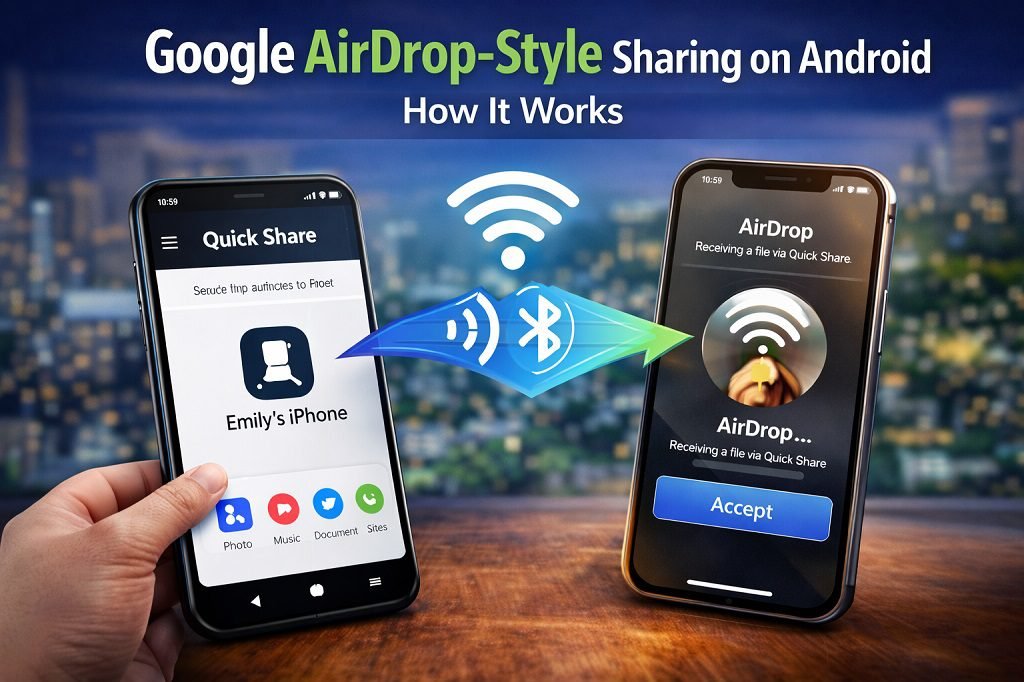
Unlike solutions that route files through cloud servers or require internet connectivity, this feature leverages direct, peer-to-peer wireless protocols (like Bluetooth and Wi-Fi Direct).
Here’s how it functions:
Android users trigger Quick Share from the share menu.
iPhones, iPads, and Macs running AirDrop and set to be discoverable will appear as targets.
Users select the Apple device, which receives a standard AirDrop prompt to accept the file.
Once accepted, the transfer occurs directly between devices, bypassing internet and cloud intermediaries for better speed and privacy.
For now, transfers typically require the Apple device to be discoverable (often in “Everyone for 10 minutes” mode), but as the integration matures, more streamlined discovery options are expected.
Why This Matters: A Real World User Perspective
a. Solving Cross-Platform Friction
One of the most frustrating parts of modern mobile usage has been exchanging files between Android and iOS devices. With Apple’s AirDrop deeply integrated into iOS and macOS, Android users were left relying on clunky email links, messaging apps, or third-party cloud services.
With Quick Share’s AirDrop interoperability, this friction dramatically decreases. Whether you’re at a party, workplace, or family gathering, sharing photos and videos across devices becomes almost effortless — the way it has long been on iPhones.
b. Speed and Convenience
Because the system uses local peer-to-peer connectivity, users can expect transfer speeds significantly faster than traditional Bluetooth or cloud-based methods, especially for large files like high-resolution videos.
c. Privacy and Security
Google stresses that this process is secure and that data is not logged or routed through any server infrastructure during transfer — a critical privacy benefit for personal or professional use.
How This Fits into Android’s Broader Sharing Landscape
Google has been steadily improving Android’s sharing features over recent years:
Nearby Share: The legacy tool for nearby device sharing across Android and ChromeOS.
Quick Share: An evolution and rebranding that unifies sharing across Android devices — including Samsung phones — with consistent user experience.
Quick Share Extension: A system app that enables AirDrop interoperability and will rollout to more devices in tandem with the feature.
This framework lays the foundation for Google’s broader vision of seamless file and data exchange across not only Android phones and tablets, but across platforms — effectively making hardware brand or OS less of a barrier for basic tasks like sharing.
Comparison: Google Quick Share vs. Apple AirDrop
| Feature | Quick Share (with AirDrop integration) | Apple AirDrop |
|---|---|---|
| Native Android support | ✔️ (expanding to many devices) | ❌ |
| Native iOS/macOS support | ❌ (receives files via AirDrop) | ✔️ |
| Cross-platform sharing | ✔️ | Limited |
| Internet required | ❌ | ❌ |
| Speed | Fast (Wi-Fi Direct + Bluetooth) | Fast (peer-to-peer) |
| Privacy | Local transfer, not logged | Local transfer, not logged |
| Ease of use | Very easy | Very easy |
Both systems now use direct transfers without going online, but Quick Share’s major step is embracing true cross-platform functionality, something Android has lacked until now.
What Devices Will Get It? Rollout Expectations
While Google has not published an exhaustive list of supported models, expansion is expected to roll out:
Via Google Play system updates rather than full OS upgrades, making adoption easier for users.
To major brands including Samsung, OnePlus, Xiaomi, Nothing, and others as Android partners adopt the feature.
Qualcomm — the chipset maker powering many Android devices — has also hinted at bringing Quick Share compatibility to Snapdragon devices, signaling wide hardware support in the near future.
How to Use Quick Share (Once You Have It)
When the feature arrives on your phone, the process will be similar to using existing Quick Share or AirDrop functions:
Open the file you want to share: photo, video, document, etc.
Tap the Share icon found in apps.
Select Quick Share as the method.
Your device scans for nearby discoverable devices.
Choose the device you want to send to — including iPhones or Macs when available.
The receiving user gets a prompt to accept the file.
Transfer completes at high speed without internet.
Limitations, Privacy, and Settings
a. Discoverability
For cross-platform sharing, Apple devices often need to be in a discoverable mode set by AirDrop (e.g., “Everyone for 10 minutes”). Google and Apple-level settings integrate to show compatible devices but may vary slightly by OS version.
b. Security
Google emphasizes secure, encrypted transfers that don’t rely on external servers. Data privacy depends on peer-to-peer encryption and OS-level safeguards, not cloud services.
Implications for the Mobile Industry
This development represents more than just a sharing convenience:
It dismantles ecosystem lock-in, making users less dependent on sticking with one platform.
It could encourage more users to switch from iPhone to Android, knowing files can transfer easily.
It sets the stage for other cross-platform integrations — perhaps expanding into contacts, messages, and deeper data types in the future.
Google’s push for better interoperability contrasts with previous tech polarization and might signal a new era where mobile platforms feel more open and user-centric.
User Reactions and Expectations
On tech forums and communities, users have celebrated this development as a long-awaited fix to Android’s sharing woes. Early testers — especially Pixel owners — found the feature intuitive and powerful, though they also expressed eagerness for rapid expansion to other brands.
Many speculate that once more devices adopt the interoperability, Android users will enjoy a true AirDrop alternative that finally rivals Apple’s convenience and ubiquity.
Future Outlook: Beyond File Sharing
While the current focus is on file transfers, experts predict Google may eventually tie this capability to additional functions like:
Profile and contact sharing
Cross-platform device pairing
Shared clipboard or messages
Integration with Chromebook and Windows ecosystems
These potential expansions could make Quick Share not just an AirDrop alternative but a central hub for device connectivity in the Android world.
Google’s decision to bring AirDrop-style sharing to more Android phones in 2026 is a monumental step toward eliminating one of the most frustrating barriers between smartphones. By enabling Quick Share interoperability with Apple’s AirDrop, Android users can finally enjoy seamless, fast, direct file transfers with Apple devices — something that was long seen as a unique strength of iPhones.
As this technology rolls out to more devices, it will redefine how people exchange files across platforms, enhance productivity and leisure use alike, and set a new standard for mobile interoperability.
Whether you’re a tech enthusiast, casual user, or someone considering switching platforms — this update could be one of the most impactful mobile features of 2026.
Frequently Asked Questions
1. What is Google AirDrop-style sharing on Android?
Google AirDrop-style sharing on Android is a wireless file-sharing feature that allows Android users to quickly send photos, videos, documents, and links to nearby devices without using the internet. It works through Android’s Quick Share system and now supports sharing with Apple devices like iPhones and Macs.
2. How does Google AirDrop-style sharing on Android work?
Google AirDrop-style sharing on Android uses a combination of Bluetooth and Wi-Fi Direct to create a secure, peer-to-peer connection between nearby devices. Files are transferred directly between devices, making the process fast, private, and reliable.
3. Which Android phones support Google AirDrop-style sharing?
Initially available on Google Pixel devices, Google AirDrop-style sharing on Android is expanding to more phones in 2026. Many Android devices from brands like Samsung, OnePlus, Xiaomi, and others are expected to receive support through system updates.
4. Can Google AirDrop-style sharing on Android work with iPhones?
Yes, Google AirDrop-style sharing on Android can send files to iPhones, iPads, and Macs using Apple’s AirDrop system. The receiving Apple device must have AirDrop enabled and set to be discoverable.
5. Does Google AirDrop-style sharing on Android require internet?
No, Google AirDrop-style sharing on Android does not require an internet connection. It works entirely offline using local wireless technologies, which makes it ideal for fast file transfers anywhere.
6. Is Google AirDrop-style sharing on Android safe to use?
Yes, Google AirDrop-style sharing on Android is designed with security in mind. Files are transferred using encrypted, device-to-device connections and are not stored or routed through cloud servers.
Google AirDrop-style sharing on Android is an evolution of Nearby Share, now branded as Quick Share. The major difference is cross-platform compatibility, allowing Android users to share files with Apple devices, not just other Android phones.
With Google AirDrop-style sharing on Android, users can share photos, videos, PDFs, documents, app links, contacts, and other common file types without any size limitations imposed by messaging apps.
9. Why is Google expanding AirDrop-style sharing to more Android phones?
Google is expanding Google AirDrop-style sharing on Android to reduce platform friction, improve user experience, and make Android more competitive with Apple’s ecosystem by offering seamless, fast, and modern file sharing.
10. When will Google AirDrop-style sharing on Android be available for all users?
Google AirDrop-style sharing on Android is expected to roll out gradually throughout 2026 via Google Play system updates, meaning users may receive it without needing a full Android OS upgrade.
