

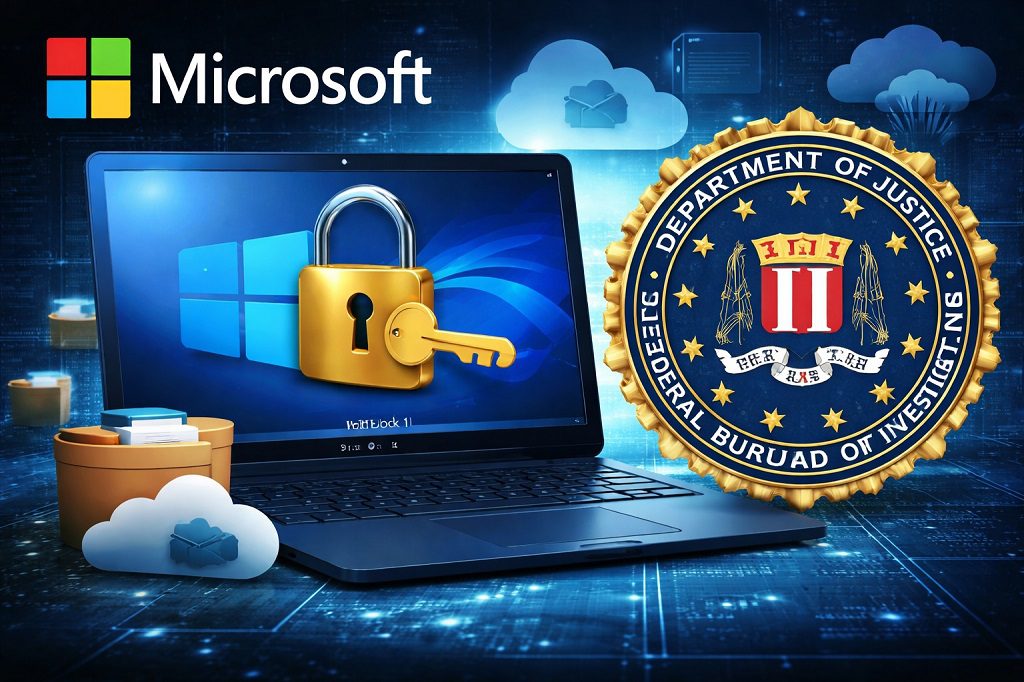
Microsoft Will Give BitLocker Keys to FBI — that’s the news that has raised alarms across the tech world in 2026. This confirmation means that law enforcement agencies can request BitLocker recovery keys from Microsoft, giving them access to Windows 11 devices encrypted with BitLocker. Since many of these keys are stored unencrypted in users’ cloud accounts tied to Microsoft profiles, the news has sparked a major debate about privacy, security, and user control over their encrypted data.
This blog post explores how BitLocker keys are stored, why Microsoft’s approach is controversial, and what users can do to regain control over their encrypted data.
Microsoft Will Give BitLocker Keys to FBI: Understanding the Privacy Risks
Microsoft recently provided the FBI with BitLocker recovery keys for encrypted laptops during an investigation involving alleged fraud in Guam. (Forbes, 2026)
Microsoft confirmed it regularly receives requests for BitLocker recovery keys — about 20 per year on average — and will comply when legally required. While Microsoft frames this as supporting law enforcement and assisting customers, privacy advocates are alarmed because keys stored in the cloud can be accessed by Microsoft itself.
How BitLocker Recovery Keys Work
Contents
What is BitLocker?
BitLocker is a full-disk encryption tool built into Windows that protects data on your hard drive. If unauthorized users try to access a device, they cannot read the encrypted data without the correct key. (Wikipedia, 2026)
The Role of Recovery Keys
When BitLocker is enabled, a recovery key is generated to allow access in cases like forgotten passwords or device errors. Users can store these keys:
Locally — USB, printed copy, or offline storage.
In Microsoft’s cloud — tied to your Microsoft Account (default in Windows 11).
Enterprise key management systems — for organizations.
It is the cloud storage option that allows Microsoft to comply with FBI requests quickly.
Windows 11 and Microsoft Accounts
Windows 11 increasingly requires users to sign in with a Microsoft Account. This automatically backs up BitLocker recovery keys to Microsoft’s cloud, unless the user takes action to store them elsewhere. (Tech Yahoo, 2026)
While convenient for recovery, this means Microsoft can access the key itself, which has significant privacy implications. Critics say this undermines the principle of “warrant-proof encryption.”
Why This Raises Privacy Concerns
1. Microsoft Can Access Your Keys
Unlike zero-knowledge cloud storage, Microsoft stores keys in a readable form. This allows:
Law enforcement access under legal orders.
Potential exposure if Microsoft’s servers are breached.
2. Full-Disk Decryption is Powerful
A BitLocker recovery key grants access to all files, emails, photos, and documents — far beyond what a specific warrant might require.
3. Cloud Storage is a Single Point of Failure
Centralizing keys makes them an attractive target for hackers and insider threats.
4. Cross-Border Implications
Microsoft operates globally and could be compelled to comply with legal requests from foreign governments, raising risks for journalists, activists, or users in restrictive regions.
Microsoft’s Position
Microsoft defends its approach as balancing convenience with legal compliance. The company claims it only hands over keys when presented with valid legal orders. However, security experts warn that storing keys in the cloud reduces encryption autonomy.
Comparison With Other Tech Companies
Apple: Cannot access user keys due to zero-knowledge encryption.
Meta/WhatsApp: Cloud backups are encrypted; keys are not held by the company.
Microsoft: Holds recovery keys itself, making them accessible to law enforcement.
What Users Can Do to Protect Privacy
Avoid cloud storage of keys: Store recovery keys offline (USB, printed).
Use local accounts: Avoid signing in with a Microsoft Account if possible.
Consider alternative encryption tools: VeraCrypt or other open-source full-disk encryption.
Enterprise key management: Keep keys in private servers rather than the cloud.
The Bigger Picture: Convenience vs Security
Microsoft’s design prioritizes convenience and recoverability, especially for enterprises. Critics argue that encryption should prioritize user control, and that central key storage undermines trust. This debate highlights the ongoing tension between law enforcement needs and personal privacy in the digital age.
Conclusion
The revelation that Microsoft can hand over BitLocker keys to the FBI under legal orders underscores a critical reality: encryption is not just a technical feature; it’s a battleground for privacy rights. Users must weigh convenience against security and take proactive steps to manage their keys. Whether you view Microsoft’s actions as lawful compliance or a privacy concern, one thing is clear: understanding how your encryption keys are stored is essential in the 21st century.
FAQs About Microsoft, BitLocker, and FBI Key Requests
1. Can the FBI access my BitLocker-encrypted data without Microsoft?
No. Without the recovery key or password, law enforcement cannot decrypt your BitLocker-protected drive.
2. Does storing a recovery key in Microsoft’s cloud automatically make it accessible to the FBI?
Yes, if Microsoft receives a valid legal request, they can provide the key.
3. Are local accounts safer than Microsoft Accounts for encryption keys?
Yes. Local accounts keep recovery keys offline unless you explicitly upload them.
4. How can I store my recovery key safely?
Save it on a USB drive, print it, or store it securely offline.
5. Is BitLocker encryption itself compromised?
No. BitLocker encryption remains strong; the issue is with cloud key accessibility, not encryption strength.
6. Can I remove my BitLocker key from Microsoft’s cloud after setup?
Yes. You can back it up offline and remove it from your Microsoft Account.
7. Are alternative encryption tools safer than BitLocker?
Tools like VeraCrypt provide full control over encryption keys and do not upload them to the cloud.
8. Does this affect enterprise users differently?
Yes. Enterprises often use centralized key management, which may be accessible to IT administrators but not automatically to law enforcement.
9. Can Microsoft refuse to give keys to foreign governments?
Microsoft may be legally required under international treaties or local laws; refusal depends on jurisdiction.
10. How can I stay informed about encryption privacy risks?
Follow cybersecurity news, check Microsoft’s documentation, and review encryption best practices regularly.
