

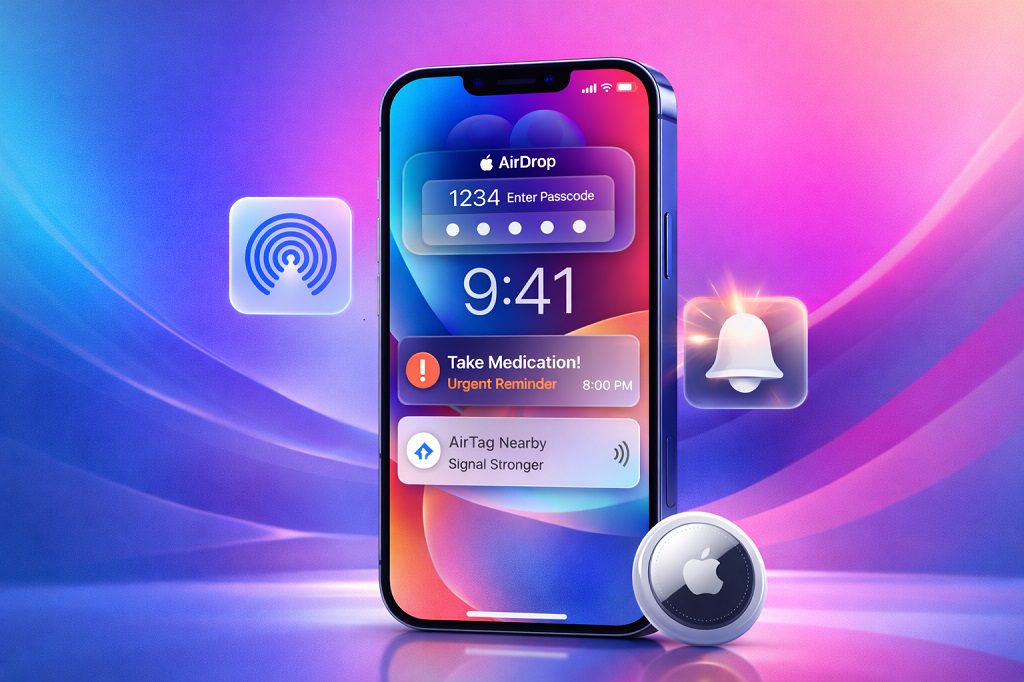
Apple is known for unveiling major iOS upgrades during its annual events, but some of the most practical improvements arrive quietly through smaller updates. These incremental releases often go unnoticed, yet they significantly enhance how your iPhone looks, feels, and works on a daily basis. New iOS features Apple recently added to your iPhone focus on better security, deeper customization, smarter notifications, and improved accessory support — without requiring you to buy a new device.
With recent iOS updates, Apple has refined existing tools like AirDrop and Reminders, introduced visual improvements through the Liquid Glass interface, and expanded accessibility features that make notifications harder to miss. Whether you’re a power user or someone who simply wants their iPhone to work more smoothly, these changes are worth knowing about.
Key Takeaways
Apple continues to roll out new iOS features outside major version launches
AirDrop is now more secure with verification codes
Liquid Glass visuals can be customized for better readability
Reminders now support alarm-style urgent alerts
Accessibility upgrades improve notification visibility
iOS now supports the latest AirTag hardware natively
Why Apple Keeps Adding New iOS Features After Launch
Apple’s modern iOS development strategy doesn’t stop once a version goes public. Instead of waiting an entire year to fix usability issues or add refinements, Apple frequently delivers feature updates through point releases. This approach allows the company to respond to real-world user feedback while improving privacy, security, and user experience.
These new iOS features Apple recently added are not flashy headline additions, but they solve real problems — from reducing AirDrop spam to ensuring important reminders don’t get ignored.
1. Safer AirDrop With Verification Codes
Contents
- 1 A Major Security Upgrade for File Sharing
- 2 How the New AirDrop Verification Works
- 3 Why This Matters
- 4 A Visual Refresh With More Control
- 5 New Liquid Glass Customization Options
- 6 Who Benefits the Most
- 7 Turning Important Tasks Into Alarms
- 8 What Makes Urgent Reminders Different
- 9 Best Use Cases
- 10 A Smarter Way to Notice Alerts
- 11 When Screen Flash Alerts Are Useful
- 12 Seamless Integration With New Hardware
- 13 What iPhone Users Get
- 14 What are the latest new iOS features Apple recently added?
- 15 Do I need a new iPhone to use these features?
- 16 How do I enable AirDrop verification codes?
- 17 Where can I customize the Liquid Glass interface?
- 18 What are urgent reminders in iOS?
- 19 Is screen flash notification enabled by default?
- 20 Does AirTag 2 work with older iPhones?
- 21 Are these features available worldwide?
- 22 How often does Apple add new iOS features?
- 23 Why doesn’t Apple announce all new iOS features?
A Major Security Upgrade for File Sharing
AirDrop has long been one of the most convenient features on the iPhone, allowing users to instantly share photos, videos, documents, and links with nearby Apple devices. However, convenience came with a downside: when AirDrop was set to “Everyone,” anyone nearby could attempt to send files — sometimes leading to spam or inappropriate content.
To fix this, Apple introduced AirDrop verification codes.
How the New AirDrop Verification Works
When someone who isn’t in your contacts tries to send you a file, your iPhone generates a unique verification code. The sender must enter this code before the transfer is approved. If the code doesn’t match, the transfer fails.
Why This Matters
Prevents unwanted AirDrop spam
Improves privacy in public places
Keeps AirDrop usable without disabling it entirely
This change makes AirDrop safer without sacrificing speed, and it’s one of the most practical new iOS features Apple recently added for everyday users.
2. Customizable Liquid Glass Interface in iOS
A Visual Refresh With More Control
Apple introduced the Liquid Glass interface to give iOS a modern, translucent look that reacts dynamically to light and movement. While visually impressive, not everyone appreciated the default transparency — especially users who prefer high contrast or minimal design.
Apple listened.
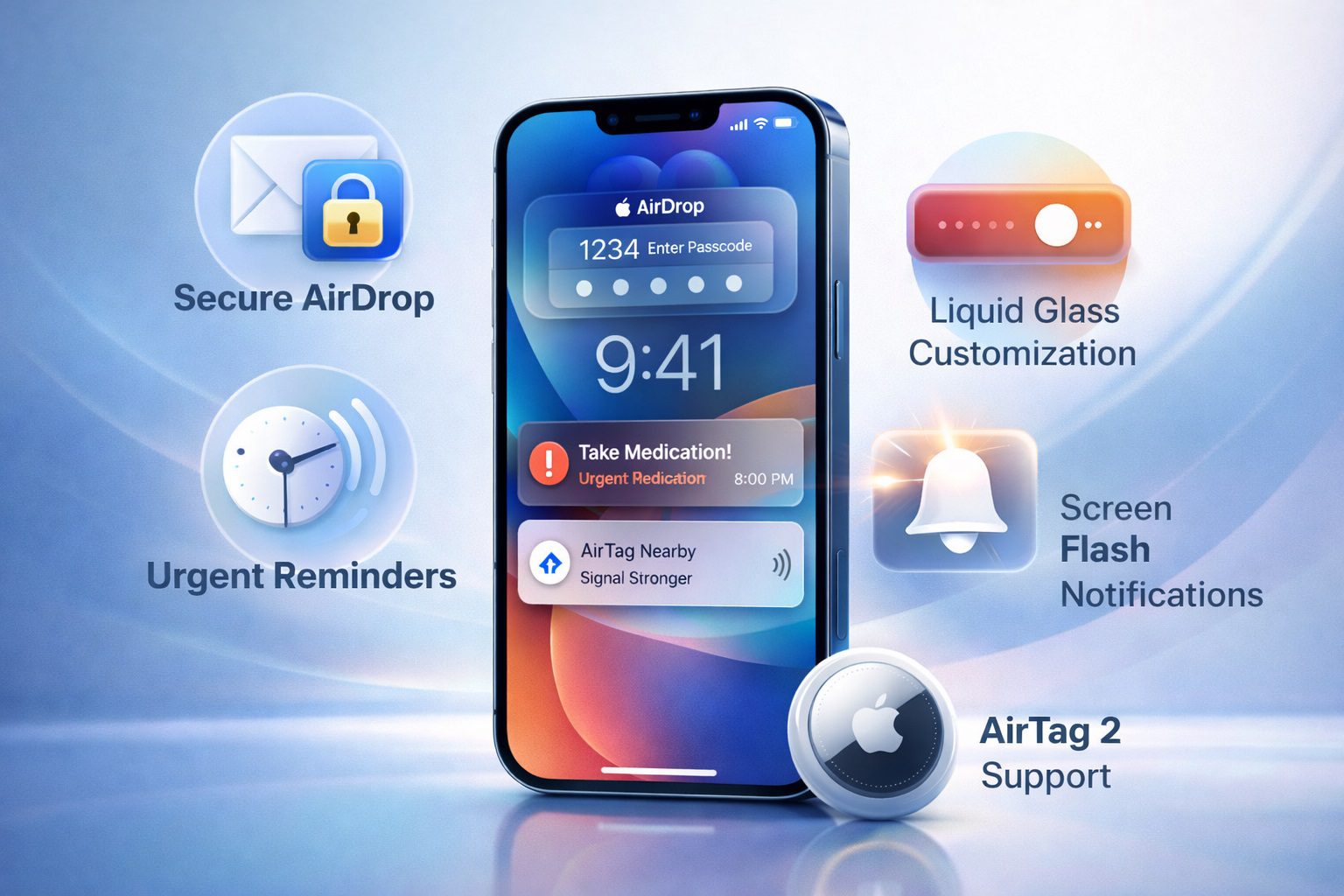
New Liquid Glass Customization Options
Recent updates now allow users to adjust how Liquid Glass appears across the system:
Clear Mode: Maximum transparency
Tinted Mode: Reduced translucency for readability
Lock Screen Intensity Control: Adjust glass effect strength
Who Benefits the Most
Users sensitive to visual clutter
Those who prioritize accessibility
Anyone who wants a cleaner iOS interface
This flexibility shows how Apple is refining its design language while respecting user preferences.
3. Urgent Alerts Added to the Reminders App
Turning Important Tasks Into Alarms
The Reminders app has steadily evolved into a powerful productivity tool, but one issue remained: notifications were easy to miss. Apple addressed this by adding Urgent Reminders, a feature that allows specific reminders to behave like alarms.
What Makes Urgent Reminders Different
Louder alert sounds
More prominent notifications
Harder to dismiss accidentally
Best Use Cases
Medication reminders
Meetings and appointments
Time-sensitive work tasks
This update ensures that critical reminders demand attention, making it one of the most productivity-focused new iOS features Apple recently added.
4. Screen Flash Alerts for Notifications
A Smarter Way to Notice Alerts
Apple has expanded its accessibility tools by introducing screen flash notifications. Instead of relying solely on sound or vibration, your iPhone screen briefly flashes when a notification arrives.
When Screen Flash Alerts Are Useful
Loud environments
Silent or Do Not Disturb mode
Hearing-impaired users
Phones placed face down
This feature is optional and can be enabled through Accessibility settings, giving users another layer of control over how they receive alerts.
5. Native Support for AirTag 2
Seamless Integration With New Hardware
Apple quietly added native support for AirTag 2 through a recent iOS update. The new AirTag model offers improved tracking range, louder speakers, and better precision.
What iPhone Users Get
Faster Precision Finding
More accurate location updates
Improved alerts when items are nearby
No additional setup is required — once paired, AirTag 2 works instantly with Find My. This highlights how Apple uses iOS updates to extend the lifespan and usefulness of its ecosystem.
How These New iOS Features Improve Daily iPhone Use
While none of these updates radically change how iOS works, together they significantly improve everyday usability:
Stronger privacy protections
Better visual comfort
Smarter notifications
Improved accessory compatibility
Apple’s focus remains on refinement rather than reinvention, and these updates prove that even small changes can have a big impact.
Final Thoughts
Apple may not always announce every improvement on stage, but new iOS features Apple recently added demonstrate the company’s commitment to continuous improvement. From enhanced AirDrop security and customizable visuals to smarter reminders and accessibility upgrades, these changes make the iPhone more intuitive and reliable.
If you haven’t explored these features yet, updating your device and reviewing your settings might unlock tools you didn’t even know you had.
Frequently Asked Questions (FAQs)
What are the latest new iOS features Apple recently added?
Recent additions include AirDrop verification codes, Liquid Glass customization, urgent reminders, screen flash notifications, and AirTag 2 support.
Do I need a new iPhone to use these features?
No. Most of these features work on existing iPhones that support the latest iOS updates.
How do I enable AirDrop verification codes?
This feature is enabled automatically when receiving files from unknown contacts using AirDrop.
Where can I customize the Liquid Glass interface?
Liquid Glass options are available in Display and Accessibility settings, depending on your device.
What are urgent reminders in iOS?
Urgent reminders are alarm-style notifications that make critical tasks harder to ignore.
Is screen flash notification enabled by default?
No. You must manually enable it through Accessibility settings.
Does AirTag 2 work with older iPhones?
Yes, as long as the iPhone supports the latest iOS version.
Are these features available worldwide?
Most features are global, though availability may vary slightly by region.
How often does Apple add new iOS features?
Apple regularly introduces new features through point releases throughout the year.
Why doesn’t Apple announce all new iOS features?
Many updates are refinements based on feedback and are rolled out quietly to improve usability without major announcements.
